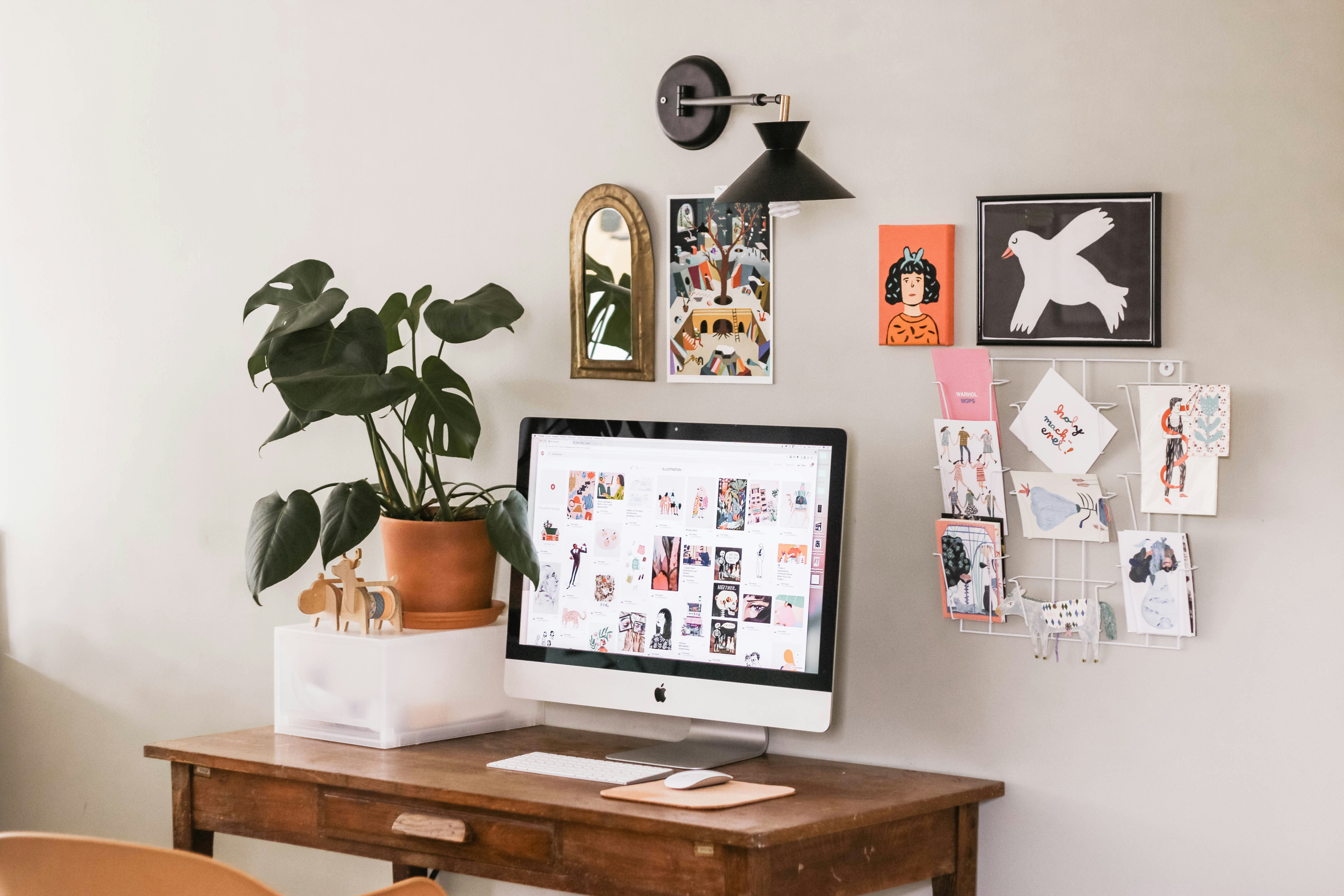
Le bureau a domicile est passe d’une necessite temporaire a un element permanent de la vie moderne. Pour des millions de personnes, l’endroit ou ils passent huit heures par jour n’est plus un box d’entreprise mais un coin du salon, une chambre d’amis convertie ou un bureau coince contre le mur de la chambre. Pourtant, de nombreux bureaux a domicile sont encore assembles a la hate avec ce qui etait disponible : une chaise de cuisine, un ordinateur portable sur une table basse.
Un bureau a domicile bien concu est l’un des investissements au meilleur rendement que vous puissiez faire dans votre vie quotidienne. Ce guide couvre les principes et les decisions pratiques qui transforment un bureau dans un coin en un espace de travail ou vous voulez vraiment passer du temps.
L’emplacement : la decision fondamentale
L’endroit ou vous placez votre bureau affecte votre productivite plus que tout accessoire ergonomique. L’ideal, par ordre de preference : une piece dediee avec une porte (la reference absolue), un coin defini d’une piece calme, une configuration convertible pour les tres petits espaces. A eviter : travailler depuis son lit, son canape ou sa table a manger comme solution permanente.
La lumiere naturelle
Positionnez votre bureau perpendiculairement a une fenetre — la fenetre sur le cote plutot que directement devant ou derriere vous. La lumiere laterale fournit un eclairage sans reflet d’ecran. Si la lumiere naturelle est limitee, compensez avec un eclairage artificiel en couches.
Couleur et murs
Le bleu favorise la concentration. Le vert reduit la fatigue oculaire. Les neutres chauds creent une toile de fond calme. Evitez le rouge intense et le jaune vif. Si peindre n’est pas une option, introduisez la couleur par l’art, un tapis ou des accessoires.
Le bureau
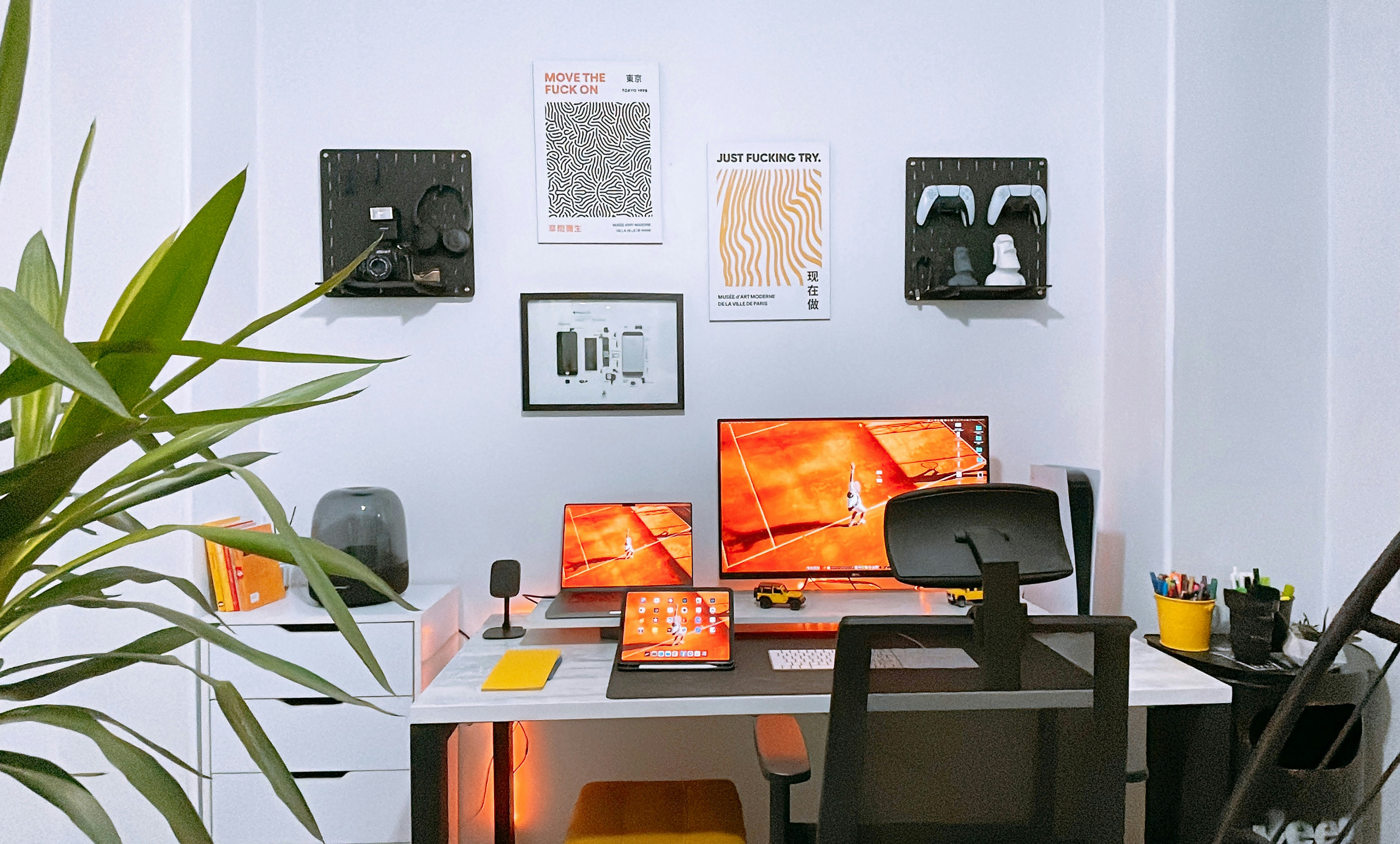
Au moins 120 cm de large et 60 cm de profondeur. Le bois est plus chaud que le stratifie. Un bureau assis-debout est un vrai benefice — alternez les positions toutes les 45-60 minutes.
La chaise
C’est la ou vous devriez depenser le plus. Un bon fauteuil dure 10-15 ans et previent les dommages cumulatifs. Herman Miller Aeron (1400 euros et plus) ou Steelcase Leap (1200 euros et plus) si vous travaillez a domicile a plein temps. En budget : Sihoo M57 (200 euros) ou Branch Ergonomic Chair (329 euros). Ce qui compte : profondeur d’assise reglable, soutien lombaire reglable, accoudoirs reglables, tissu respirant.
Plantes et vie
Une seule vraie plante dans votre espace de travail ameliore la qualite de l’air, reduit le stress et donne l’impression que l’espace est vivant. Une plante serpent ou ZZ est pratiquement increvable. Un pothos sur une etagere ajoute de la verdure tombante.
Gestion des cables
Un plateau a cables monte sous le bureau. Un bras pour ecran. Des attaches velcro. Quinze minutes de gestion des cables transforment l’experience visuelle et psychologique d’un bureau.
Le rituel de fin de journee
La caracteristique de conception la plus importante d’un bureau a domicile est la possibilite de le quitter. A la fin de la journee de travail, fermez physiquement l’espace : eteignez l’ordinateur, debarrassez le bureau, eteignez la lampe de travail. Un rituel de fin de journee defini cree la frontiere psychologique entre le travail et le repos.
L’ecran
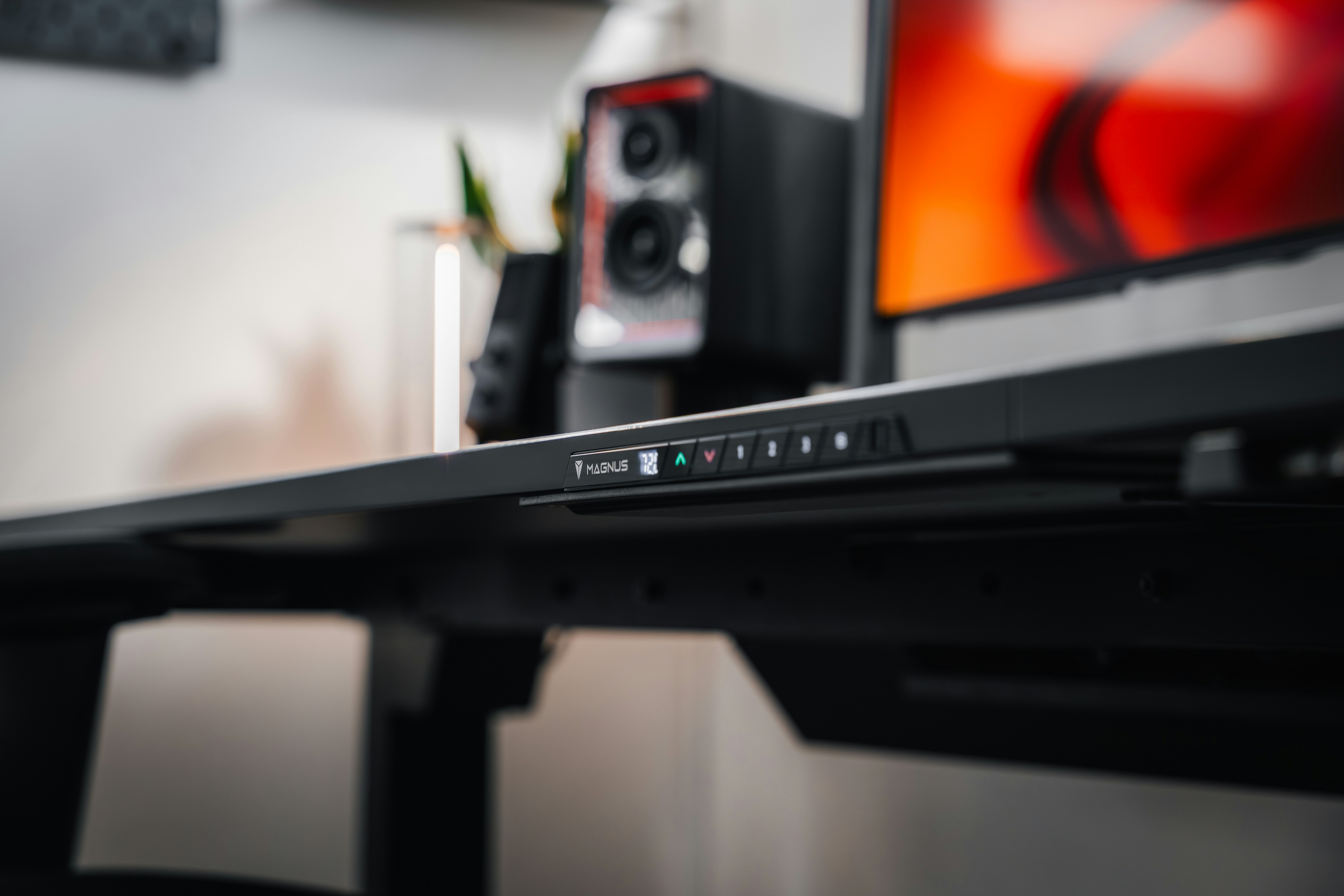
Votre configuration d’ecran affecte directement votre posture. La regle : le haut de votre ecran doit etre au niveau des yeux ou legerement en dessous. Pour un ordinateur portable utilise comme ecran principal, cela necessite un support. Un grand ecran 4K (27-32 pouces) vaut mieux que deux ecrans plus petits. Recommandations : Dell UltraSharp U2723QE (27 pouces 4K, 550 euros), Apple Studio Display (27 pouces 5K, 1599 euros), Dell S2722QC (27 pouces 4K, 310 euros, budget).
Le clavier et la souris
Un clavier et une souris externes, associes a un support pour portable, resolvent le probleme ergonomique fondamental du travail sur portable. Recommandations clavier : Apple Magic Keyboard avec Touch ID (149-179 euros), Logitech MX Keys Mini (99 euros, le meilleur pour multi-appareils), Keychron Q1 Pro (199 euros, pour les amateurs de mecanique). Recommandations souris : Logitech MX Master 3S (99 euros), Apple Magic Trackpad (129 euros).
L’eclairage
Lumiere naturelle : positionnez le bureau perpendiculairement a la fenetre. Lampe de bureau : BenQ ScreenBar (109 euros, se monte sur le moniteur). Bande LED derriere l’ecran pour reduire la fatigue oculaire. Un eclairage de plafond sur variateur.
Gestion des cables
Un plateau a cables monte sous le bureau maintient la multiprise et tout le mou des cables hors du sol. Un bras pour ecran achemine les cables d’affichage et d’alimentation en interne. Des attaches velcro regroupent les cables allant dans la meme direction en une seule ligne nette. Quinze minutes de gestion des cables transforment l’experience d’un bureau.
Les finitions
De l’art au mur. Une horloge analogique. Un bon systeme audio. Et surtout, un rituel de fin de journee : eteignez l’ordinateur, debarrassez le bureau, eteignez la lampe. La separation psychologique entre travail et repos est la caracteristique la plus importante d’un bureau a domicile.
Le cout total
Un bureau a domicile complet construit autour de ces recommandations varie d’environ 1500 euros (choix budget : bureau IKEA, chaise Sihoo, un seul ecran Dell 4K, peripheriques de base) a plus de 5000 euros (choix premium : bureau Uplift, Herman Miller Aeron, Apple Studio Display, clavier mecanique). Si cela semble beaucoup, considerez ceci : si vous travaillez a domicile, vous passez environ 2000 heures par an dans cet espace de travail. Sur cinq ans, une installation a 3000 euros coute 0,30 euro par heure d’utilisation. Le benefice ergonomique — moins de maux de dos, moins de maux de tete, moins de fatigue oculaire — vaut bien plus que cela. Et contrairement a un bureau d’entreprise, c’est un espace que vous controlez entierement. Faites-en un endroit ou vous voulez etre.
L’ecran et les peripheriques
Votre configuration d’ecran affecte directement votre posture. La regle : le haut de l’ecran doit etre au niveau des yeux ou legerement en dessous. Pour un ordinateur portable utilise comme ecran principal, cela necessite un support pour le surélever. Un grand ecran 4K (27-32 pouces) vaut mieux que deux ecrans plus petits pour la plupart des gens. Recommandations : Dell UltraSharp U2723QE (27 pouces 4K, 550 euros) pour la productivite ; Apple Studio Display (27 pouces 5K, 1599 euros) pour les utilisateurs Mac ; Dell S2722QC (27 pouces 4K, 310 euros) pour le budget.
Un clavier et une souris externes, associes a un support pour portable, resolvent le probleme ergonomique fondamental du travail sur portable. Recommandations clavier : Apple Magic Keyboard avec Touch ID (149-179 euros) pour Mac, Logitech MX Keys Mini (99 euros) pour le multi-appareils, Keychron Q1 Pro (199 euros) pour les amateurs de mecanique. Souris : Logitech MX Master 3S (99 euros), la reference pour la productivite.