Le marche de la maison connectee a un probleme de credibilite. Pour chaque appareil vraiment utile, il y en a cinq qui promettent trop et ne tiennent pas leurs promesses — ajoutant de la complexite sans ameliorer significativement votre qualite de vie. Des refrigerateurs intelligents avec des ecrans que vous n’utilisez jamais. Des bouteilles d’eau connectees en Wi-Fi qui vous rappellent de boire. Des assistants vocaux integres dans les miroirs de salle de bain. L’industrie a passe une decennie a courir apres la nouveaute au detriment de l’utilite.
Nous avons passe des mois a tester les produits de maison connectee les plus populaires selon un critere simple : cet appareil resout-il un probleme reel et recurrent d’une maniere plus fiable que l’alternative non connectee ? La plupart ont echoue. Quelques-uns ont vraiment merite leur place. Voici ceux qui valent votre argent et ceux qu’il faut eviter.
Nos criteres de test
Chaque appareil a ete evalue selon quatre questions. Premierement, resout-il un probleme reel et recurrent (pas un probleme de nouveaute) ? Deuxiemement, fonctionne-t-il de maniere fiable sans depannage constant, re-appairage ou mises a jour d’application incessantes ? Troisiemement, s’integre-t-il avec d’autres appareils de maniere utile, ou cree-t-il une autre application isolee a gerer ? Quatriemement, l’acheterions-nous de notre propre poche apres la periode de test ?
Ce qui vaut le coup
Enceinte connectee / Assistant vocal
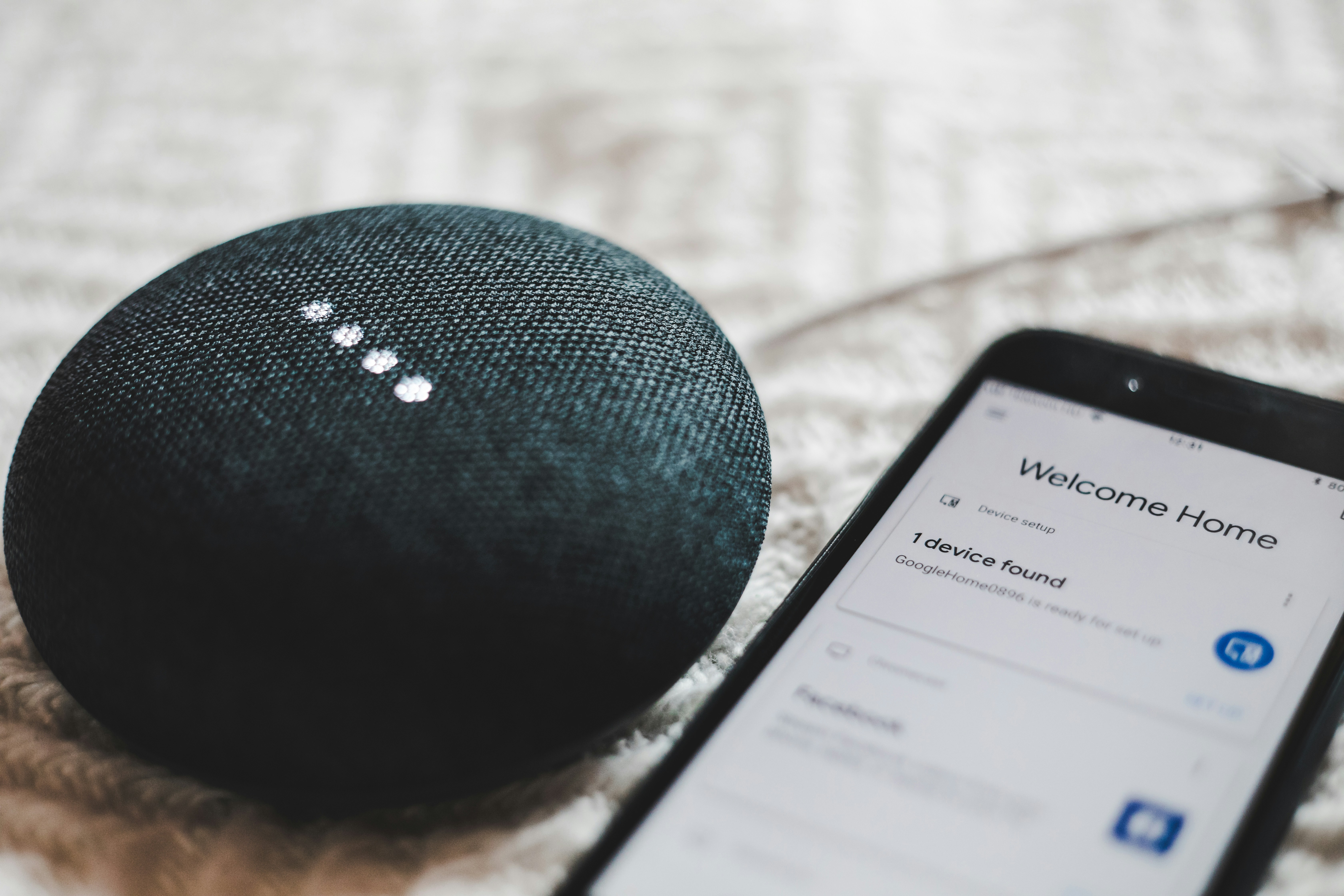
Le hub de toute maison connectee fonctionnelle. Apres avoir teste les trois principales plateformes (Apple HomePod, Google Nest, Amazon Echo), notre recommandation est de choisir l’ecosysteme qui correspond a votre telephone : Apple HomePod pour les utilisateurs d’iPhone, Google Nest pour les utilisateurs d’Android. Les deux offrent un controle vocal fiable et servent de centre de commande pour d’autres appareils connectes. Amazon Echo fonctionne avec tout, mais la plateforme Alexa ressemble de plus en plus a un vehicule de promotions commerciales plutot qu’a un outil utilitaire.
Les vrais cas d’usage, ceux que vous utiliserez reellement au quotidien : les minuteurs en cuisinant (les mains libres sont vraiment utiles quand on a les mains couvertes de farine), la meteo et l’heure en s’habillant, la lecture de musique et de podcasts, les briefings d’actualites du matin, et le controle des lumieres, du thermostat et d’autres appareils connectes par la voix. Ce que vous n’utiliserez pas : commander des produits, jouer a des jeux, avoir des conversations prolongees avec l’assistant, et la plupart des skills ou actions au-dela des fonctions principales. Notre choix : Apple HomePod mini (99 euros) pour les utilisateurs d’iPhone, Google Nest Audio (99 euros) pour les utilisateurs d’Android. Un par espace de vie principal (cuisine, salon) est suffisant. Vous n’en avez pas besoin dans chaque piece.
Thermostat intelligent
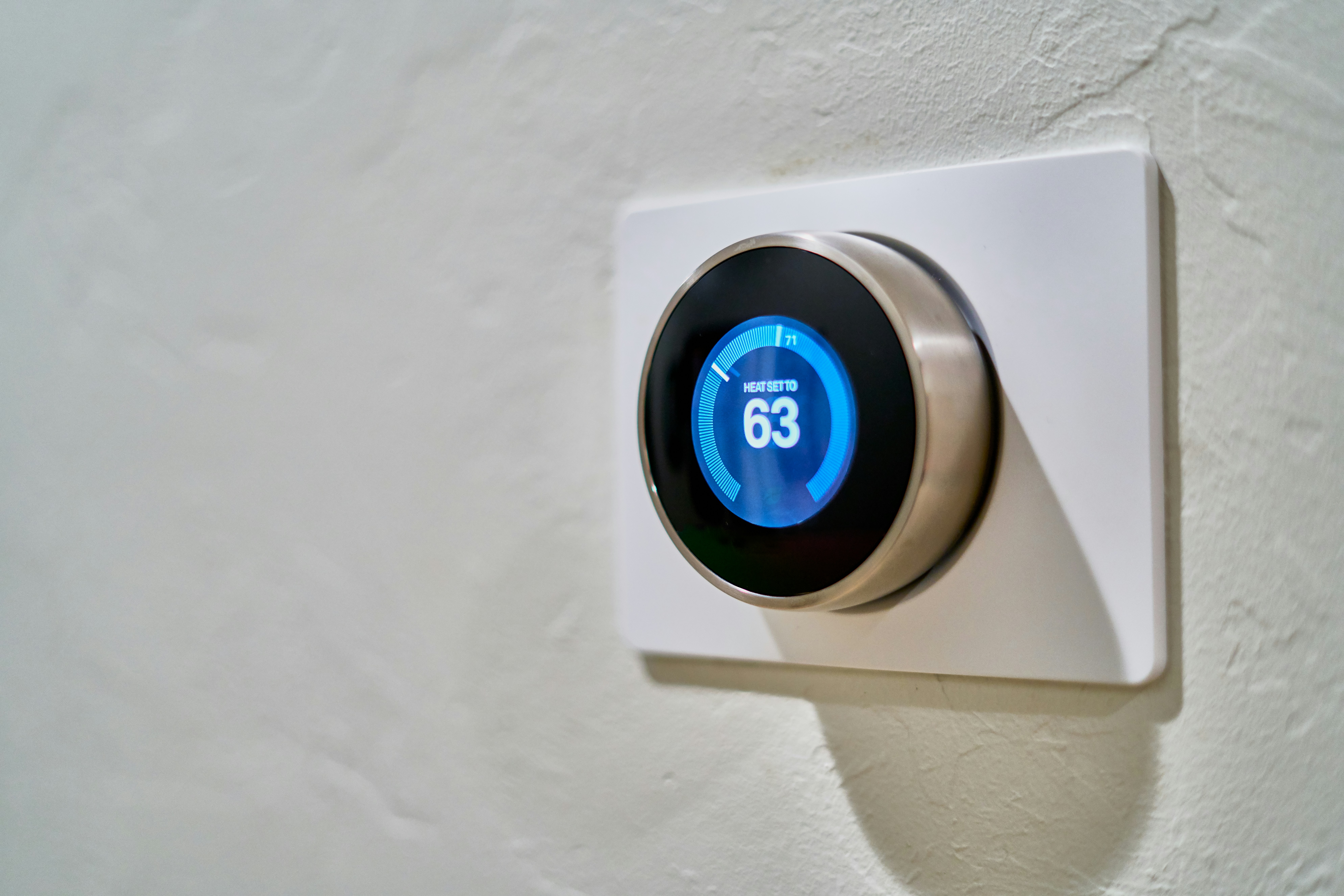
Un thermostat intelligent est l’un des rares appareils connectes qui se rentabilise vraiment. Nos tests sur un an ont montre des economies d’energie de 10-15% sur le chauffage et la climatisation — non pas a cause d’un algorithme magique, mais parce que les fonctions de programmation automatique et de detection d’occupation empechent de chauffer ou de climatiser une maison vide. Le thermostat apprend quand vous etes generalement a la maison et s’ajuste en consequence. Il permet egalement le controle a distance via votre telephone, pour allumer le chauffage quand vous rentrez plus tot que prevu.
Note d’installation : l’installation est simple si vous avez un systeme CVCA standard avec un fil C (fil commun). La plupart des maisons construites au cours des 20 dernieres annees en ont un. Si votre systeme n’a pas de fil C, certains modeles incluent un adaptateur, ou vous pourriez avoir besoin d’une installation professionnelle. Verifiez la compatibilite sur le site du fabricant avant d’acheter. Notre choix : Ecobee Premium (249 euros) pour la meilleure detection d’occupation par capteur, ou Google Nest Learning Thermostat 4e generation (279 euros) pour l’ecosysteme Nest.
Aspirateur robot avec navigation LiDAR
La difference entre un aspirateur robot a motif aleatoire et un avec navigation LiDAR est le jour et la nuit. Les robots a motif aleatoire rebondissent sur les murs et les meubles, laissant des zones non aspirees et prenant beaucoup plus de temps que necessaire. Les modeles LiDAR (identifiables par la tourelle circulaire sur le dessus) creent une carte precise de votre espace, nettoient en rangees ordonnees et permettent de definir des zones d’exclusion virtuelles depuis votre telephone. Ils naviguent egalement dans l’obscurite et retournent a leur base de maniere fiable.
Apres trois mois d’utilisation quotidienne, un bon aspirateur robot LiDAR reduit reellement le temps de nettoyage hebdomadaire de 30 a 60 minutes — du temps qui s’accumule considerablement sur une annee. Notre choix : Roborock Q Revo (699 euros) pour le meilleur equilibre entre lavage et aspiration avec un entretien minimal. Pour l’aspiration seule, le Roborock S8 (549 euros) est excellent. Choix budget : Eufy X10 Pro Omni (479 euros en promotion). La fonctionnalite critique : une base a vidange automatique. Sans elle, vous videz le petit bac a poussiere du robot tous les 1-2 jours. Avec elle, vous changez un sac tous les 6-8 semaines.
Prises intelligentes
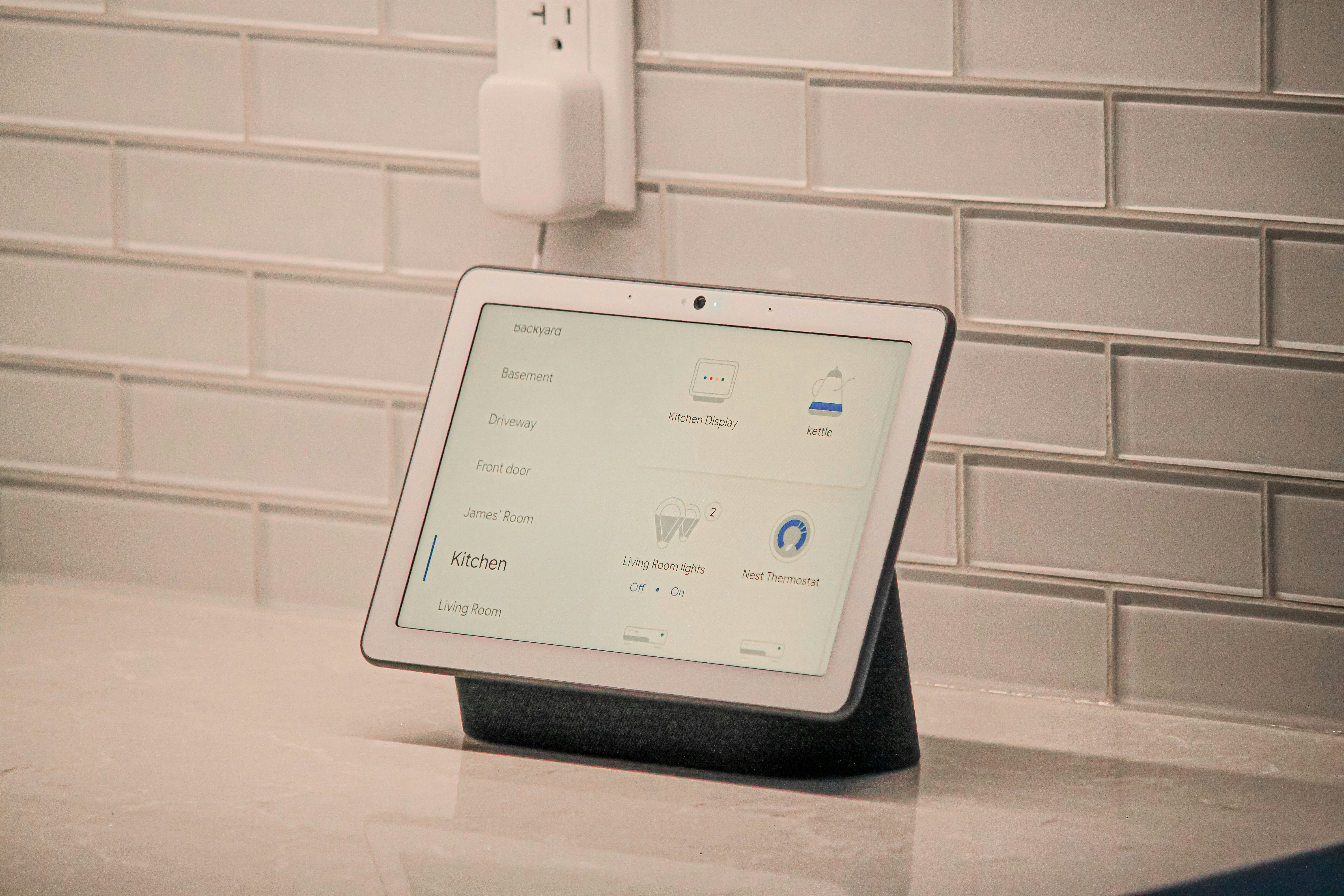
Le point d’entree le plus simple et le moins cher dans la domotique. Les prises intelligentes vous permettent de programmer tout ce qui se branche sur une prise murale — lampes, ventilateurs, cafetieres, humidificateurs, lumieres de fetes — et de les controler a distance ou par la voix. Elles sont les heroines meconnues d’une maison connectee fonctionnelle : pas tape-a-l’oeil, mais constamment utiles. Cas d’usage reels : programmer des lampes pour qu’elles s’allument au coucher du soleil et s’eteignent a l’heure du coucher, donnant l’impression que votre maison est occupee quand vous etes absent ; demarrer une cafetiere avant votre reveil ; eteindre tous les appareils en veille d’une seule commande en partant ; automatiser un ventilateur pour qu’il s’allume quand la temperature atteint un certain seuil.
Notre choix : TP-Link Kasa Smart Plug Mini (19 euros le pack de 2). Elles sont fiables, l’application est fonctionnelle sans etre intrusive, et elles fonctionnent avec toutes les principales plateformes vocales. Aucun hub necessaire — connexion directe au Wi-Fi.
Serrure connectee
Une serrure connectee elimine l’anxiete de se demander si on a bien ferme la porte — celle qui vous fait faire demi-tour trois rues plus loin. Elle permet egalement l’entree sans cle — utile pour donner un acces temporaire a des femmes de menage, des promeneurs de chiens ou des invites sans copier de cles physiques. Apres un an d’utilisation, revenir a une cle traditionnelle semble archaique. Important : choisissez un modele avec une cle physique de secours. Les piles meurent. Les telephones se perdent. Une serrure qui ne peut etre actionnee qu’electroniquement a un point de defaillance unique.
Notre choix : Aqara U100 (189 euros) pour le support Apple Home Key (deverrouillez en tapant votre iPhone ou Apple Watch). Yale Assure Lock 2 (159-259 euros selon le module de connectivite) pour une large compatibilite de plateforme et une fiabilite eprouvee.
Ce qu’il faut eviter
Refrigerateur intelligent : Un ecran tactile sur une porte de refrigerateur n’est pas une valeur ajoutee — c’est un passif de maintenance. Le logiciel paraitra depasse dans deux ans. Achetez un excellent refrigerateur non connecte et mettez la difference de prix de cote.
Petit electromenager connecte : Votre friteuse a air n’a pas besoin d’une application. Votre autocuiseur n’a pas besoin de Wi-Fi. Votre cafetiere peut etre programmee avec une prise intelligente a 10 euros, ce qui est plus simple et plus fiable.
Jardin connecte de comptoir : L’idee est seduisante — des herbes fraiches toute l’annee. La realite : la pompe est bruyante, les lampes LED de culture sont distrayantes, et vous pouvez acheter des herbes fraiches a l’epicerie pendant des annees avant d’atteindre le cout du systeme.
La regle d’or
Une maison connectee doit s’effacer dans le decor. Si vous passez plus de temps a gerer les appareils qu’ils ne vous en font gagner, quelque chose ne va pas. Commencez par une enceinte connectee et quelques prises intelligentes. Ajoutez un thermostat si vous etes proprietaire. Ajoutez un aspirateur robot si vous avez des sols durs et voulez recuperer du temps de nettoyage. Et puis arretez-vous. N’ajoutez pas d’appareils parce qu’ils sont nouveaux. Ajoutez-les parce qu’ils resolvent un probleme reel, de maniere fiable, d’une facon qui ameliore vraiment votre vie quotidienne.
Le choix de l’ecosysteme
Tous les appareils connectes necessitent de choisir un ecosysteme pour le controle vocal et l’automatisation. Apple HomeKit est le meilleur pour les utilisateurs d’iPhone qui valorisent la confidentialite, avec moins d’appareils compatibles mais plus soignes. Google Home offre la plus large compatibilite pour les utilisateurs d’Android, mais a un historique d’abandon de produits. Amazon Alexa a la compatibilite maximale et les prix les plus bas, avec des preoccupations de confidentialite. Home Assistant est pour les bricoleurs qui veulent un controle total, necessitant des competences techniques. Pour la plupart des gens, le bon choix est l’ecosysteme qui correspond a votre telephone. L’experience multi-plateforme n’est jamais aussi fluide. La regle d’or : une maison connectee doit s’effacer dans le decor. Les meilleurs appareils sont ceux que vous oubliez — parce qu’ils font leur travail de maniere si transparente.