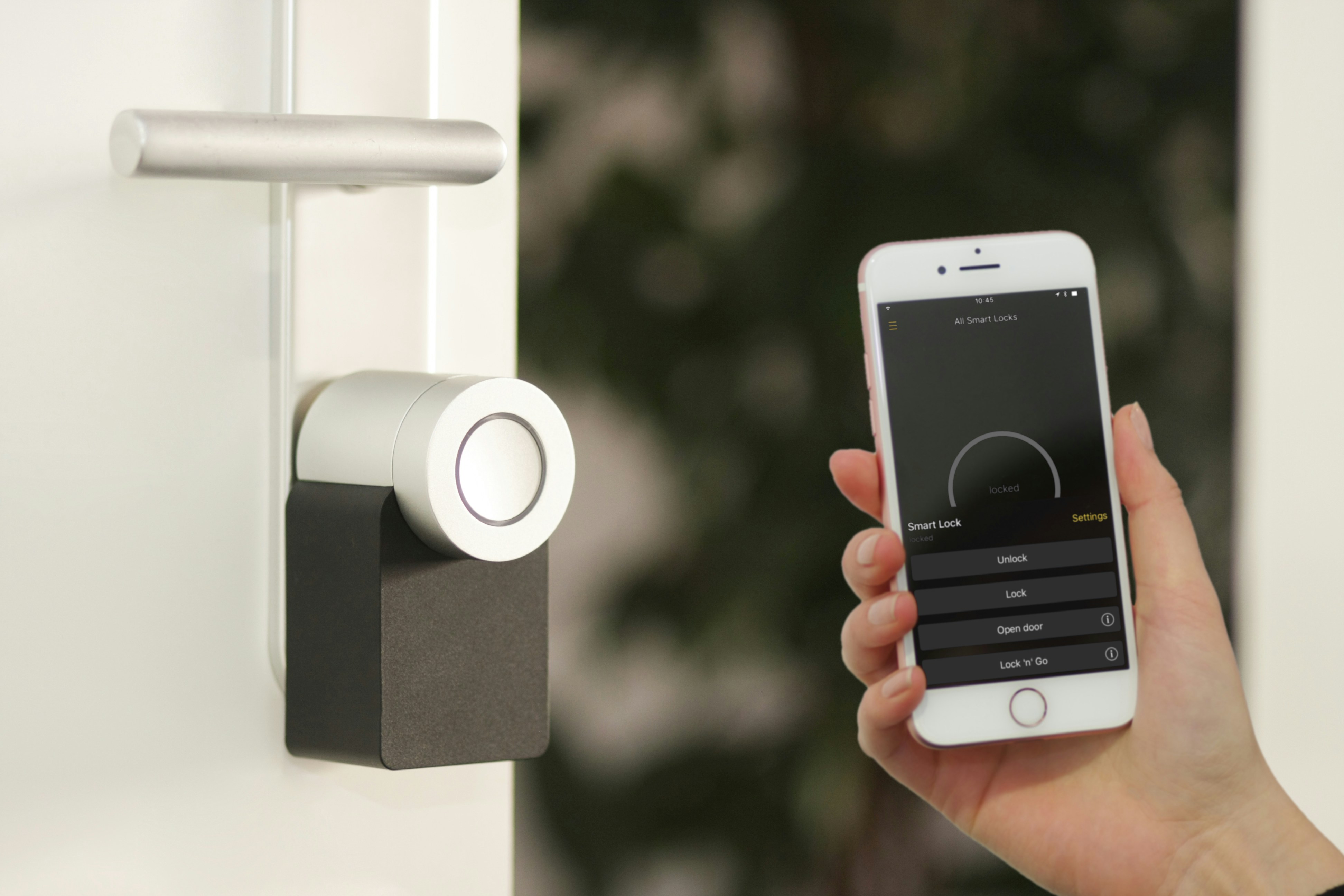
La technologie de securite residentielle a connu une revolution silencieuse au cours de la derniere decennie. Ce qui etait autrefois le domaine d’installations professionnelles couteuses et de contrats de surveillance pluriannuels est maintenant accessible a toute personne possedant un smartphone et un tournevis. Les systemes modernes sont sans fil, auto-installes et surveilles depuis votre telephone — souvent sans frais mensuels.
Mais le marche est egalement inonde de produits redondants, d’abonnements inutiles et d’appareils qui creent plus d’anxiete qu’ils n’en soulagent. Ce guide separe l’utile du superflu, en couvrant ce qui vaut vraiment la peine d’etre installe et ce que vous pouvez laisser de cote en toute securite.
La fondation : ce qui compte vraiment
Une securite residentielle efficace repose sur trois couches. La dissuasion : donner l’impression que votre maison est une cible plus difficile que celle de votre voisin. Des cameras visibles, des panneaux de securite et des lumieres a detecteur de mouvement sont les moyens de dissuasion les plus efficaces. La detection : savoir quand quelqu’un se trouve sur votre propriete. Des detecteurs de porte et de fenetre, des detecteurs de mouvement et des cameras avec detection de personnes fournissent cette couche. La reponse : ce qui se passe apres la detection. Une alarme forte, une notification sur votre telephone, une surveillance professionnelle ou une combinaison des trois.
L’erreur la plus courante en matiere de securite residentielle est de surinvestir dans la detection (trop de cameras, trop de detecteurs) tout en sous-investissant dans la dissuasion (signes visibles que la maison est protegee) et la reponse (ce qui se passe reellement quand quelque chose est detecte).
Le systeme de base
Sonnette video
Le dispositif de securite connectee le plus impactant. Une sonnette video dissuade le vol de colis, vous permet de filtrer les visiteurs sans vous approcher de la porte et capture des images de toute personne qui s’approche de votre domicile. La presence visible d’une camera a hauteur de visage est un puissant moyen de dissuasion. Ce qu’il faut rechercher : une installation filaire (pas de batterie a changer), la detection de personnes et un stockage local ou un abonnement cloud a prix raisonnable. Nos choix : Google Nest Doorbell (filaire, 180 euros), Ring Battery Doorbell Plus (150 euros).
Camera exterieure
Une camera exterieure bien placee couvrant votre point d’entree principal (porte d’entree) est suffisante pour la plupart des maisons. Une deuxieme camera couvrant l’entree arriere ou laterale ajoute une couverture significative. Au-dela de deux cameras, vous entrez dans des rendements decroissants. Ce qu’il faut rechercher : resistance aux intemperies (IP65 ou superieur), detection de personnes et un large champ de vision. Nos choix : Google Nest Cam (exterieur, 180 euros), Eufy SoloCam S340 (200 euros).
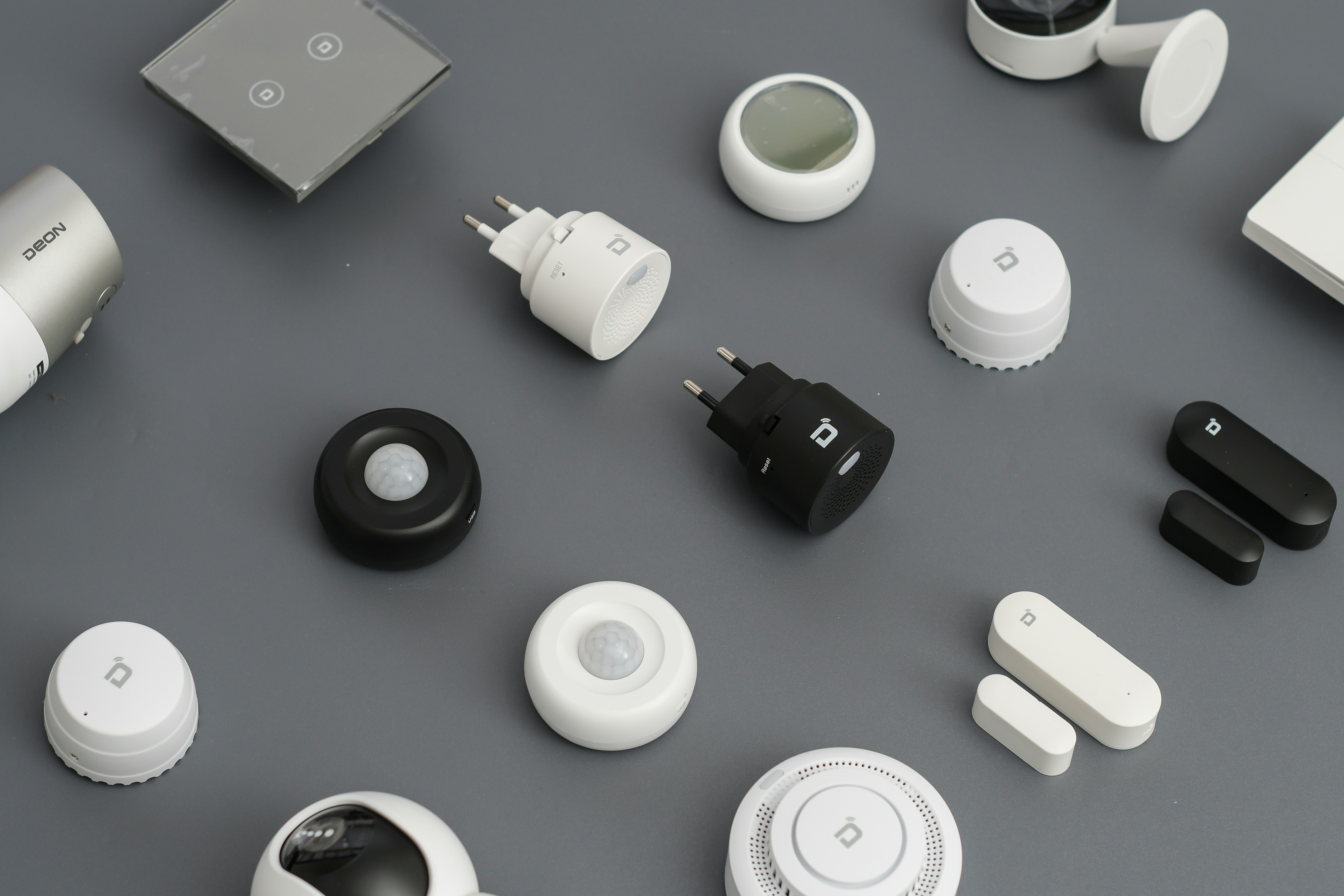
Detecteurs de porte et de fenetre
De petits capteurs qui detectent l’ouverture d’une porte ou d’une fenetre. Ils sont peu couteux (15-30 euros chacun), faciles a installer et fournissent la couche de detection la plus fondamentale. Un capteur sur chaque porte et fenetre du rez-de-chaussee est l’ideal. Notre choix : Aqara Door and Window Sensor (18 euros).
Eclairage exterieur a detecteur de mouvement
Le moyen de dissuasion le plus efficace apres une camera visible. Une lumiere vive qui s’active quand quelqu’un s’approche elimine la couverture de l’obscurite, qui est le facteur le plus important dans les cambriolages opportunistes. Ce qu’il faut rechercher : un eclairage filaire, une sensibilite et une duree reglables. Notre choix : n’importe quel projecteur LED filaire avec detecteur de mouvement integre (30-60 euros en magasin de bricolage).
Ce que vous pouvez eviter
Les cameras interieures (cree plus d’anxiete que de securite), les serrures connectees sans cle physique de secours, les detecteurs de bris de verre (sujets aux fausses alarmes), la surveillance professionnelle pour la plupart des gens.
Cout total
Sonnette video 150-180 euros, camera exterieure 180-360 euros, capteurs 70-110 euros, eclairages 60-120 euros. Total : 510-870 euros, sans frais mensuels obligatoires.
Considerations de confidentialite
Les dispositifs de securite connectes creent des risques de confidentialite qui meritent d’etre pris en consideration. Qui peut acceder a vos images ? Des entreprises comme Ring ont ete critiquees pour avoir partage des images avec les forces de l’ordre sans le consentement de l’utilisateur. Lisez la politique de confidentialite de toute entreprise de cameras avant d’acheter. Recherchez le chiffrement de bout en bout des images video et des politiques claires concernant l’acces des forces de l’ordre.
Ou sont stockees vos donnees ? Le stockage dans le cloud est pratique mais signifie que vos images resident sur le serveur de quelqu’un d’autre. Le stockage local (sur une station de base dans votre domicile, avec une carte SD) est plus prive mais moins pratique. Certains systemes, comme Eufy et Apple HomeKit Secure Video, privilegient le traitement et le stockage locaux.
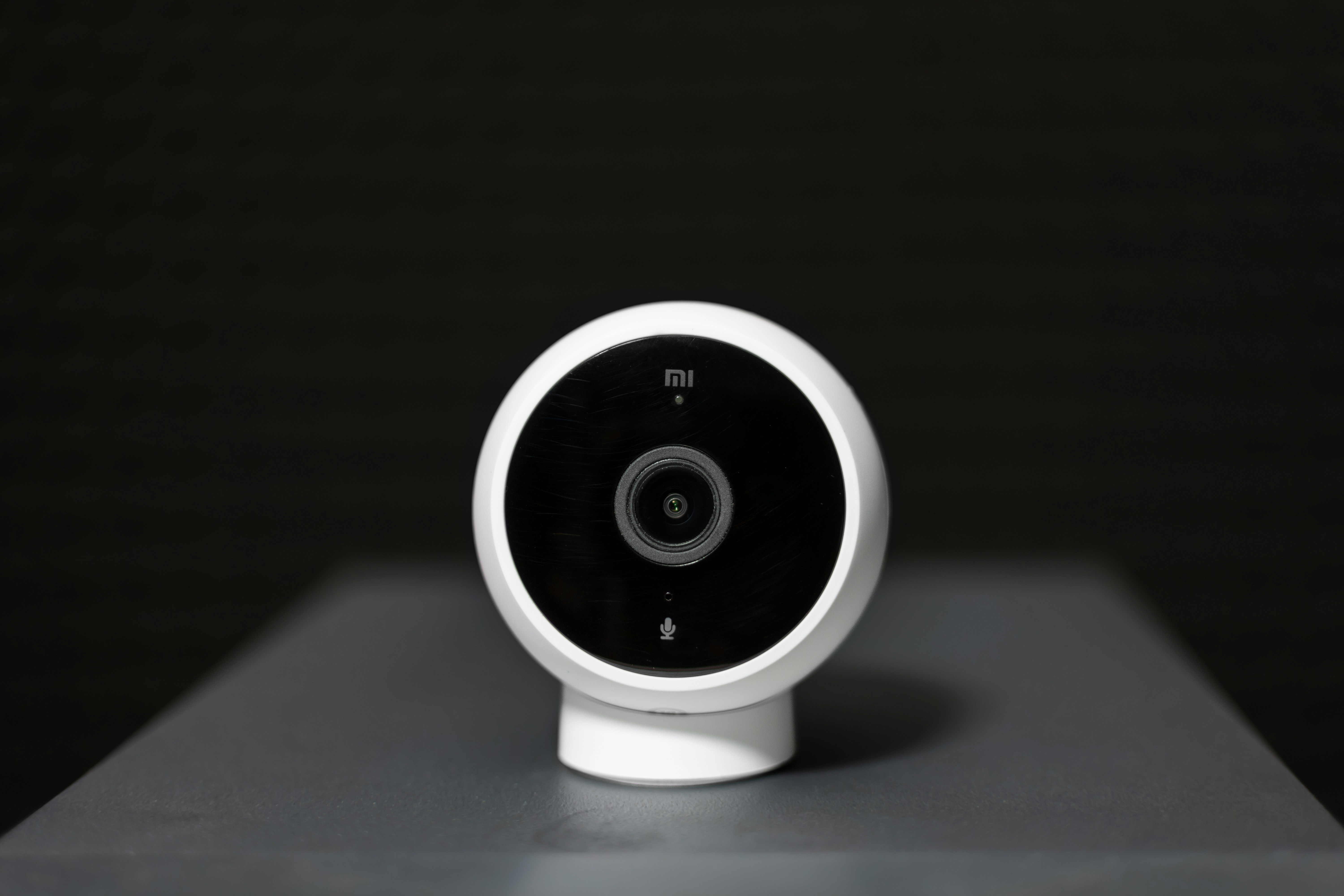
L’appareil peut-il vous entendre ? Les cameras avec microphones integres enregistrent l’audio ainsi que la video. Soyez conscient de l’endroit ou vous placez les cameras et des conversations qu’elles pourraient capturer. Les cameras exterieures doivent etre positionnees pour capturer les points d’entree, pas les fenetres de vos voisins ou les trottoirs publics.
Conseils d’installation
Montez les cameras a 2,5-3 metres de hauteur — assez haut pour etre hors de portee facile, assez bas pour capturer des traits faciaux identifiables. Une camera montee trop haut capture le dessus des tetes, pas les visages. Securisez votre reseau Wi-Fi : votre systeme de securite n’est aussi securise que votre reseau domestique. Utilisez un mot de passe fort et unique pour votre Wi-Fi, activez le chiffrement WPA3 si votre routeur le supporte et maintenez le micrologiciel de votre routeur a jour. Testez votre systeme chaque mois — parcourez chaque capteur et camera pour confirmer qu’ils fonctionnent. Un systeme de securite installe il y a trois ans et jamais teste depuis peut ne pas fonctionner quand vous en avez besoin.
Considerations de confidentialite en detail
Les cameras connectees au cloud signifient que vos images video sont stockees sur des serveurs que vous ne contrôlez pas. Les forces de l’ordre peuvent acceder a ces images avec une assignation ou, dans certains cas, via des accords de partage volontaire avec les entreprises de cameras. Si la confidentialite est une preoccupation majeure, choisissez un systeme avec stockage local et sans connexion cloud obligatoire. Les systemes Eufy, par exemple, stockent les images sur une station de base dans votre maison. Apple HomeKit Secure Video chiffre les images de bout en bout et les stocke dans votre compte iCloud. Ces options offrent la securite sans le compromis de confidentialite des systemes bases sur le cloud.
Le cout total
Une configuration de securite residentielle raisonnable pour une maison typique : sonnette video 150-180 euros, 1-2 cameras exterieures 180-360 euros, 4-6 detecteurs de porte/fenetre 70-110 euros, 2 lumieres a detecteur de mouvement 60-120 euros, un hub domotique (optionnel) 50-100 euros. Total : 510-870 euros, un cout unique sans frais mensuels obligatoires (en choisissant des appareils avec stockage local ou niveaux cloud gratuits). Cela couvre les trois couches de securite efficace — dissuasion, detection et reponse — sans redondance inutile.