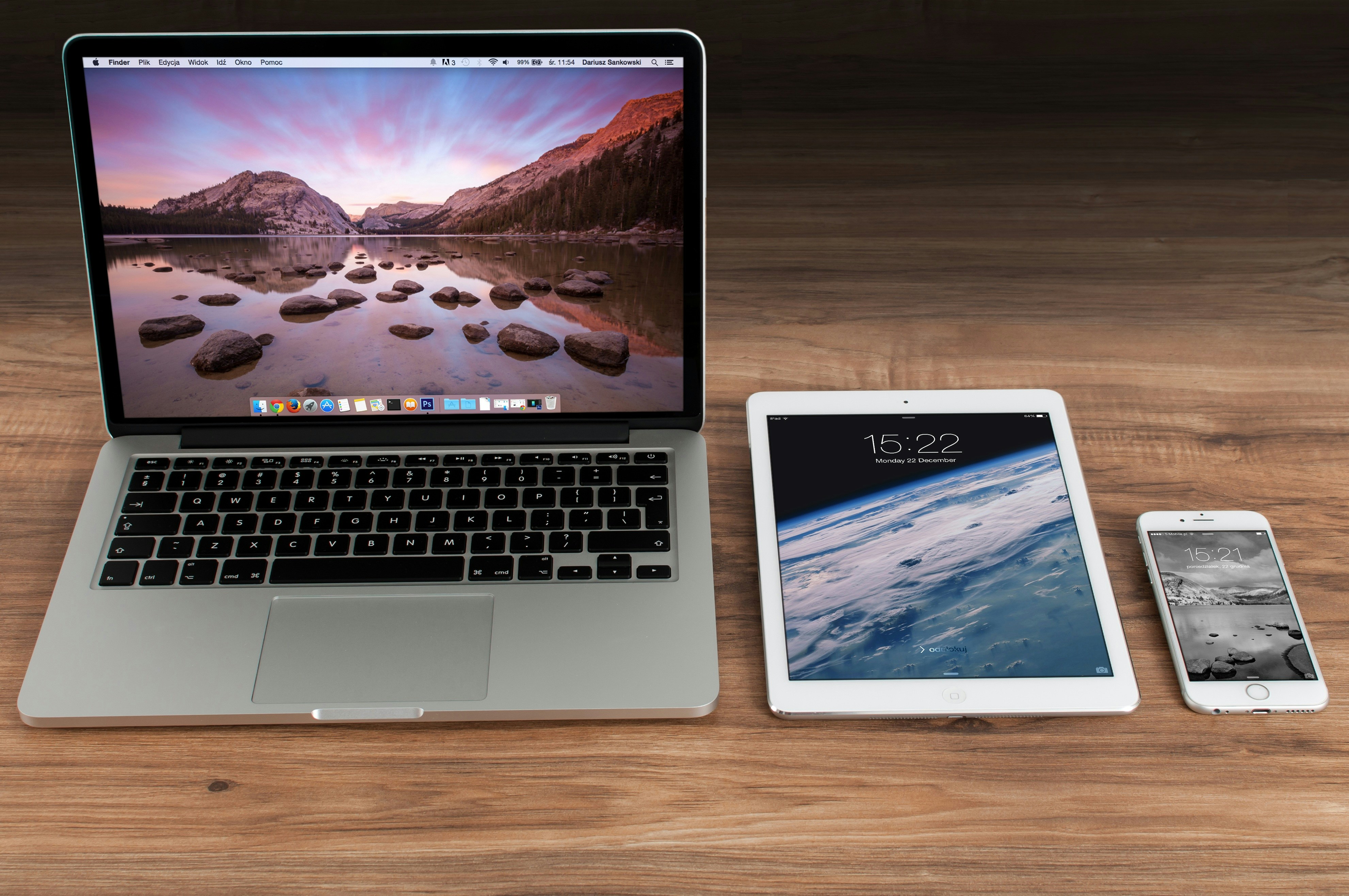
La frontière entre tablettes et ordinateurs portables s’est estompée au point d’être presque invisible. Les tablettes modernes avec étuis clavier ressemblent à des portables. Les portables modernes avec écrans tactiles et claviers détachables ressemblent à des tablettes. Apple commercialise l’iPad Pro avec le slogan « Votre prochain ordinateur n’est pas un ordinateur. » La question de savoir quel appareil acheter n’a jamais été aussi confuse — ni aussi lourde de conséquences, puisqu’une tablette avec clavier peut coûter aussi cher qu’un très bon portable.
Ce guide est destiné aux personnes qui essaient de décider si elles peuvent remplacer leur portable par une tablette, ou si elles ont besoin des deux. La réponse dépend de ce que vous faites réellement — pas des spécifications ni des arguments marketing.
Ce que les tablettes font bien
Consommer du contenu. Lire des articles, regarder des vidéos, naviguer sur les réseaux sociaux et la navigation web occasionnelle sont plus agréables sur une tablette que sur un portable. L’interface tactile est plus naturelle pour faire défiler et naviguer. Le format est plus confortable pour une utilisation sur le canapé, au lit ou en voyage.
Écriture et dessin à la main. Si vous prenez des notes manuscrites, faites des croquis ou annotez des documents, une tablette avec un stylet (Apple Pencil, Samsung S Pen) est supérieure à n’importe quel portable. L’expérience d’écrire directement sur un écran est fondamentalement différente de la frappe — beaucoup de gens retiennent mieux l’information des notes manuscrites, et la tablette préserve les avantages de l’écriture manuscrite avec les avantages organisationnels du numérique.
Portabilité. Une tablette avec un étui clavier est plus légère et plus compacte que pratiquement n’importe quel portable. Pour les voyages où le poids et l’espace sont précieux, une tablette est l’option la plus portable.
Informatique légère. Emails, navigation web, consultation de documents et édition légère sont tous parfaitement confortables sur une tablette. Pour beaucoup de gens, ces activités constituent la majorité de leur temps d’informatique.
Ce que les portables font mieux
Multitâche sérieux. La gestion des fenêtres, l’accès au système de fichiers et la capacité à exécuter plusieurs applications simultanément dans des fenêtres redimensionnables sont fondamentalement plus puissants que le paradigme des tablettes basé sur une application à la fois. Si vous travaillez régulièrement avec plusieurs documents, consultez une chose tout en écrivant une autre, ou avez besoin de voir plusieurs applications simultanément, un portable est le bon outil.
Logiciels professionnels. Les logiciels spécialisés — programmation, montage vidéo, modélisation 3D, analyse de données, conception graphique — soit n’existent pas sur tablette, soit existent dans des versions significativement limitées. Les versions tablette de la Creative Suite d’Adobe sont impressionnantes, mais elles ne sont pas équivalentes aux versions de bureau. Si vous utilisez des logiciels professionnels, vous avez besoin d’un portable (ou d’un ordinateur de bureau).
Gestion des fichiers. Les tablettes font abstraction du système de fichiers à un point qui rend certaines tâches vraiment difficiles. Déplacer des fichiers entre applications, le traitement par lots et l’organisation complexe de dossiers sont tous significativement plus faciles sur un portable. L’application Fichiers de l’iPad s’est considérablement améliorée, mais elle n’est toujours pas aussi performante que le Finder ou l’Explorateur Windows.
Saisie intensive. Le clavier d’une tablette est adéquat pour les emails et les courts documents. Pour écrire des milliers de mots par jour, le clavier d’un portable est supérieur — plus de course des touches, meilleur espacement et une base plus stable.
Rapport qualité-prix. Une tablette performante avec un étui clavier (iPad Air à 599 € + Magic Keyboard à 299 € = 898 €) coûte aussi cher qu’un très bon portable (MacBook Air M4 à 999 €). Le portable offre plus de capacité informatique pour le même prix.
La réalité hybride
L’évaluation honnête : pour la plupart des gens, une tablette peut remplacer un portable pour environ 70 % des tâches informatiques. Les 30 % restants — les moments où vous devez faire quelque chose que la tablette ne peut pas gérer ou gère mal — sont la source de frustration. La question de savoir si le compromis est acceptable dépend de la fréquence à laquelle vous rencontrez ces 30 %.
Vous pouvez probablement utiliser une tablette comme seul ordinateur si : Votre informatique consiste principalement en navigation web, emails, consultation de documents, prise de notes, consommation de contenu et édition légère de documents. Vous n’utilisez pas de logiciels professionnels spécialisés. Vous valorisez la portabilité avant tout.
Vous devriez garder un portable si : Vous écrivez beaucoup, travaillez avec des documents ou des feuilles de calcul complexes, utilisez un logiciel professionnel, faites régulièrement du multitâche entre plusieurs applications, ou avez besoin d’une gestion de fichiers fiable. Le portable est le choix le plus sûr et le plus performant.
La solution à deux appareils : Certaines personnes bénéficient vraiment des deux — un ordinateur de bureau ou portable pour le travail sérieux au bureau, et une tablette pour tout le reste. C’est un luxe, pas une nécessité,
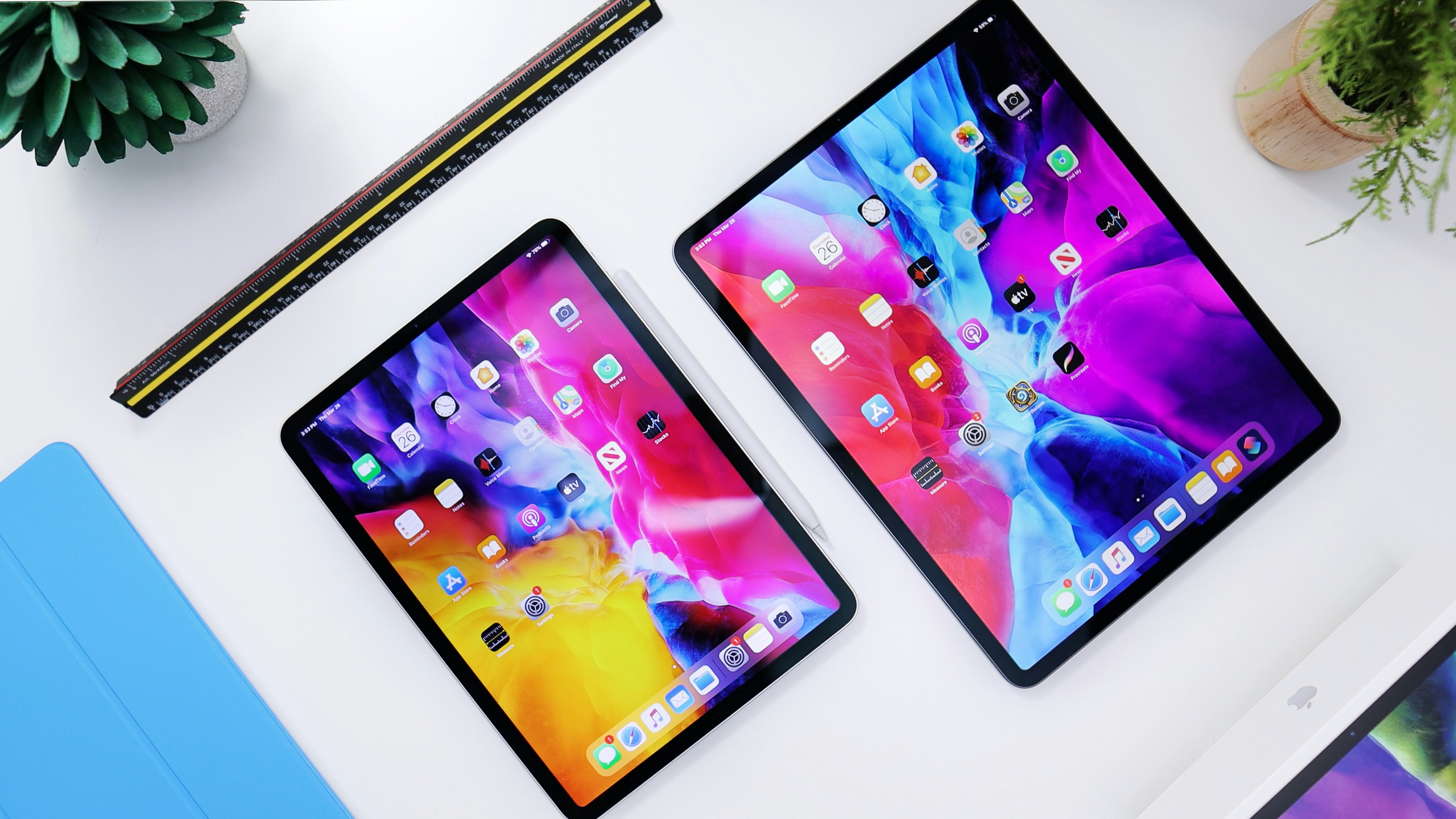
mais c’est la configuration qui maximise les forces des deux formats.
En résumé
Une tablette peut remplacer un portable pour l’informatique légère à modérée. Pour tout ce qui va au-delà, un portable reste l’outil le plus performant et le plus flexible. Avant de dépenser plus de 900 euros pour une tablette et son clavier, demandez-vous si vous payez le prix d’un portable pour des capacités de tablette. La réponse pourrait toujours être oui — les tablettes sont vraiment meilleures pour certaines tâches — mais cela doit être un choix délibéré, pas une supposition.