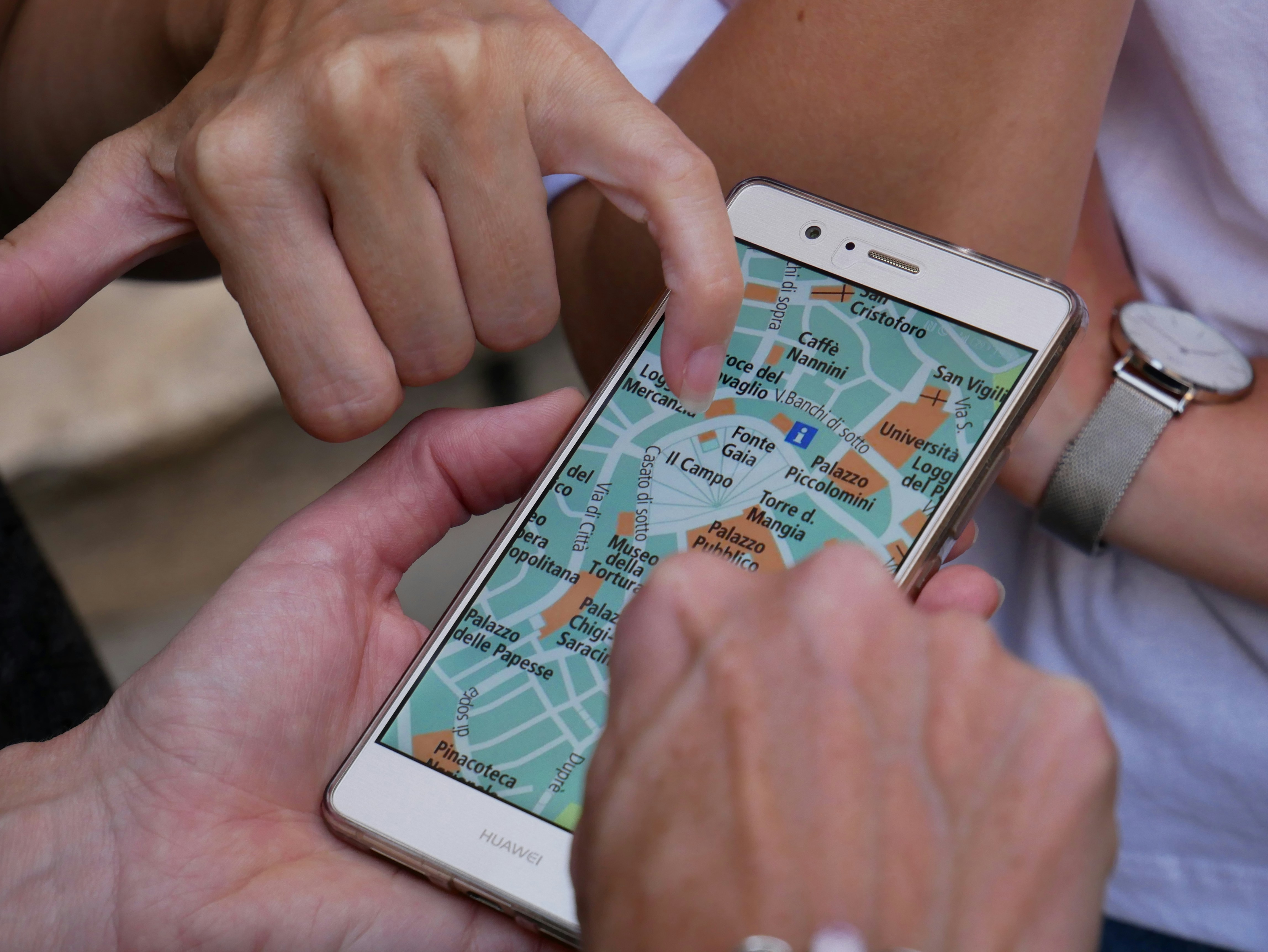
Les bonnes applications de voyage font des choses qui auraient necessite un agent de voyage, un guide de conversation, une pile de guides et une carte physique il y a seulement vingt ans. La mauvaise application de voyage est une icone supplementaire sur votre telephone que vous n’ouvrez jamais et qui recolte vos donnees en arriere-plan.
Apres des annees a tester et a compter sur des applications de voyage dans des dizaines de pays, voici celles qui meritent vraiment leur place sur votre telephone — organisees par ce qu’elles vous aident a faire, pas par les fonctionnalites qu’elles pretendent avoir.
La phase de planification
Google Flights : Le moteur de recherche de vols le plus rapide et le plus flexible. Il affiche un calendrier de prix pour identifier les dates les moins cheres, vous permet de rechercher par region plutot que par aeroport specifique, et envoie des alertes quand les prix baissent pour les itineraires suivis. L’astuce : cherchez toujours en navigation privee.
Rome2Rio : Affiche toutes les manieres possibles d’aller du point A au point B — vols, trains, bus, ferries et conduite — avec des temps et des couts estimes. Particulierement utile pour les trajets complexes et les destinations ou l’itineraire evident n’est pas evident. Limitation : les prix sont des estimations.
Wanderlog : Planification de voyage et organisation d’itineraires. Ajoutez vols, hotels, restaurants et attractions a une chronologie, ajoutez des notes et partagez avec vos compagnons de voyage. Le meilleur compromis entre un itineraire rigide et une collection eparpillee de signets.
Sur le terrain
Google Maps (mode hors ligne) : Avant de partir, telechargez la carte hors ligne de votre destination. Navigation complete, recherche et informations sur les entreprises meme sans donnees. Cette seule etape a sauve plus de voyageurs que toute autre habitude liee aux applications. L’astuce : marquez tous vos hotels, restaurants et attractions avant le voyage pour une carte personnalisee disponible hors ligne.
Citymapper : Navigation de transport optimisee pour les grandes villes. Contrairement a Google Maps, Citymapper comprend que le chemin le plus rapide n’est pas toujours le meilleur. Il prend en compte le temps de marche, le cout et la commodite. Disponible pour environ 50 villes. Limitation : verifiez la couverture avant de compter dessus.
Google Translate (mode hors ligne) : La fonction de traduction par appareil photo est authentiquement magique — pointez votre telephone vers un menu, un panneau ou un document et voyez la traduction superposee. Telechargez les langues avant le voyage. L’astuce : telechargez a la fois la langue et une variante regionale si disponible.
XE Currency : Conversion de devises en direct avec des taux hors ligne. Le calcul mental aux bureaux de change est source d’erreurs.
Hebergement
Booking.com (pour les hotels) et Airbnb (pour les appartements) : Les deux plateformes dominantes. Booking.com a un meilleur inventaire hotelier et des avis plus fiables (seuls les clients verifies peuvent commenter). Airbnb est superieur pour les longs sejours avec cuisine.
HotelTonight : Reservations d’hotel de derniere minute, souvent a des reductions significatives. Utile pour les voyageurs spontanes ou quand une reservation tombe a l’eau.
Communication et connectivite
WhatsApp : La plateforme de messagerie dominante en dehors de l’Amerique du Nord. Dans une grande partie du monde, les hotels, les voyagistes et les restaurants communiquent via WhatsApp.
Airalo (eSIM) : Achetez et installez des forfaits eSIM locaux ou regionaux avant d’arriver, pour etre connecte des l’atterrissage. Les forfaits regionaux (par exemple, << Europe >> couvrant 39 pays) sont d’un excellent rapport qualite-prix. Limitation : eSIM necessite un telephone compatible et debloque. Les cartes SIM locales sont presque toujours moins cheres que les forfaits eSIM d’Airalo — vous payez pour la commodite.
Restauration
HappyCow : Trouve des restaurants vegans, vegetariens et vegetaliens dans le monde entier. Meme si vous n’etes pas vegetarien, les restaurants repertories ont tendance a servir une nourriture plus fraiche et plus centree sur les legumes.
TheFork (Europe) / OpenTable (Etats-Unis) : Reservations de restaurant avec des reductions de 20-50% pendant les heures creuses.
Les applications dont vous n’avez pas besoin
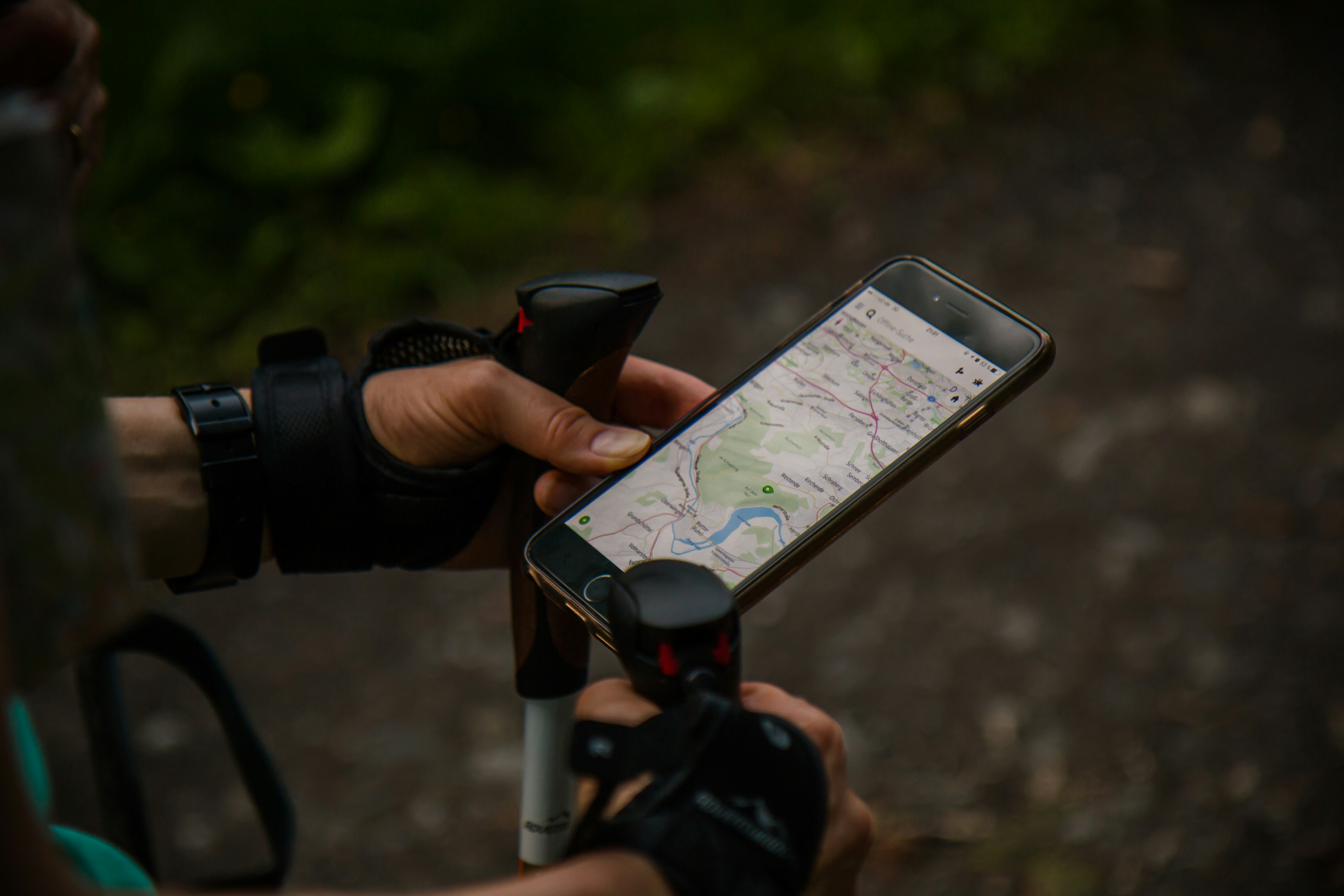
Les applications de liste de bagages — l’app Notes de votre telephone fait la meme chose. Les applications de suivi des depenses specifiques au voyage — un simple tableur est plus rapide. Les applications VPN (sauf besoin specifique et legitime) — la plupart des Wi-Fi d’hotel et de cafe sont maintenant chiffres. Un VPN ralentit votre connexion pour un benefice de securite minimal.
La checklist avant depart
Avant tout voyage international, faites ces quatre choses sur votre telephone : telechargez les cartes hors ligne dans Google Maps, telechargez les langues hors ligne dans Google Translate, installez une eSIM ou confirmez votre forfait international, et marquez tous les lieux cles (hotel, ambassade, hopital) dans Google Maps. Ces quatre etapes prennent 15 minutes et eliminant les frustrations les plus courantes. La meilleure application de voyage est celle que vous utilisez reellement. Commencez par l’essentiel et ajoutez les autres quand vous rencontrez des besoins specifiques.
Conseils d’utilisation
Economisez la batterie : La navigation GPS et la photographie vident rapidement la batterie. Desactivez l’actualisation en arriere-plan pour les applications non essentielles, reduisez la luminosite de l’ecran et activez le mode economie d’energie. Une batterie externe est indispensable.
Organisez votre ecran d’accueil : Placez vos applications de voyage essentielles — Maps, Translate, appareil photo, application d’hebergement — sur la premiere page de votre ecran d’accueil. Vous les utiliserez des dizaines de fois par jour. Reduisez le nombre de tapotements pour y acceder.
Telechargez avant de partir : Le Wi-Fi des aeroports et des hotels est lent et peu fiable. Telechargez tout ce dont vous avez besoin — cartes, langues, divertissement — avant de quitter votre domicile, ou profitez du Wi-Fi rapide de votre hebergement pour les telechargements volumineux.
Sauvegardez vos photos : Activez la sauvegarde automatique dans le cloud pendant votre voyage. Les telephones sont perdus, voles et endommages. Google Photos et iCloud offrent tous deux une sauvegarde automatique via Wi-Fi. Les frais mensuels de 3 a 10 euros pour le stockage cloud sont une assurance bon marche contre la perte d’annees de souvenirs.
Applications specifiques par destination
Japon : HyperDia pour les horaires de train, Gurunavi pour les restaurants. Chine : WeChat est essentiel pour la communication et les paiements. Didi pour les VTC. Asie du Sud-Est : Grab pour les VTC et la livraison de nourriture. Europe : FlixBus pour les voyages en bus economiques entre les villes, SNCF/De
La philosophie des applications de voyage
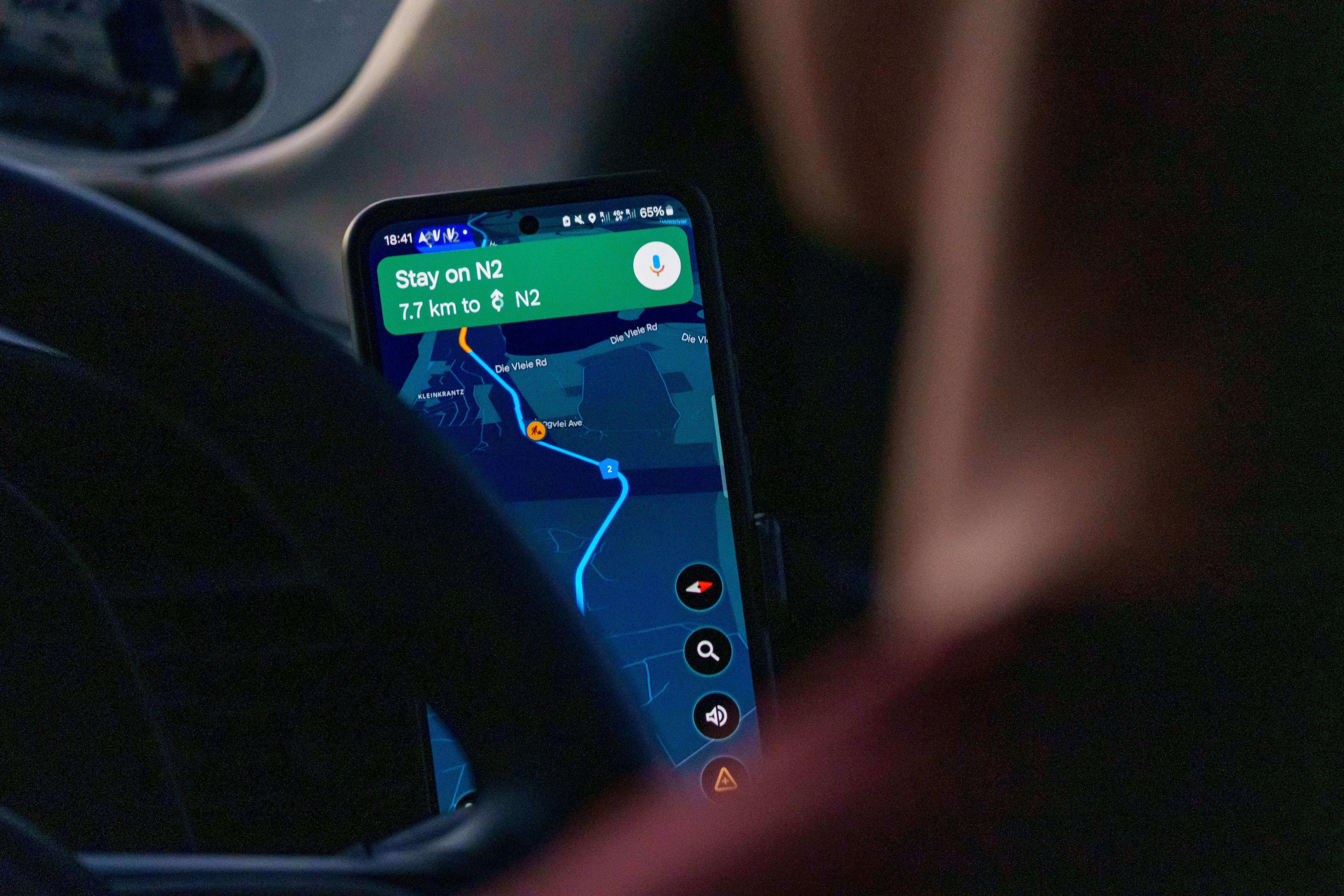
La meilleure application de voyage n’est pas celle avec le plus de fonctionnalites. C’est celle que vous ouvrez reellement. La plupart des gens telechargent une douzaine d’applications avant un voyage et en utilisent trois ou quatre. Commencez avec l’essentiel — Maps, Translate, votre application d’hebergement — et ajoutez les autres lorsque vous rencontrez des besoins specifiques. Un telephone lean et bien organise est plus utile qu’un telephone encombre d’applications que vous n’avez jamais ouvertes. Le but n’est pas d’avoir une application pour tout, mais d’avoir les bonnes applications pour vous.